About OpenPV
Utilities Account Always enabled Opens in its own window
Shows the product and build version, copyright, and a list of open-source components used (name, license type, version, copyright). On the right, Actions offers Show License and Export SBOMs.
Overview
Click About OpenPV. The tab opens, showing the product/build version, copyright, and the Open Source License Info list.
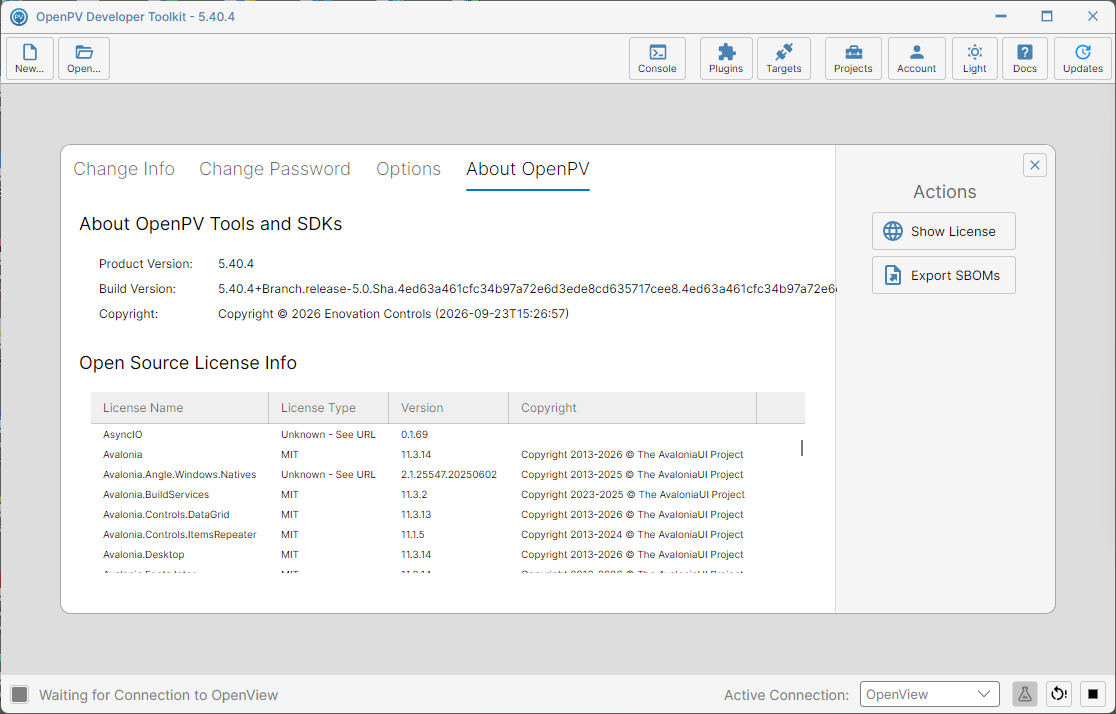
Show License
-
Scroll down the list to find the package you're interested in — here, NetMQ.
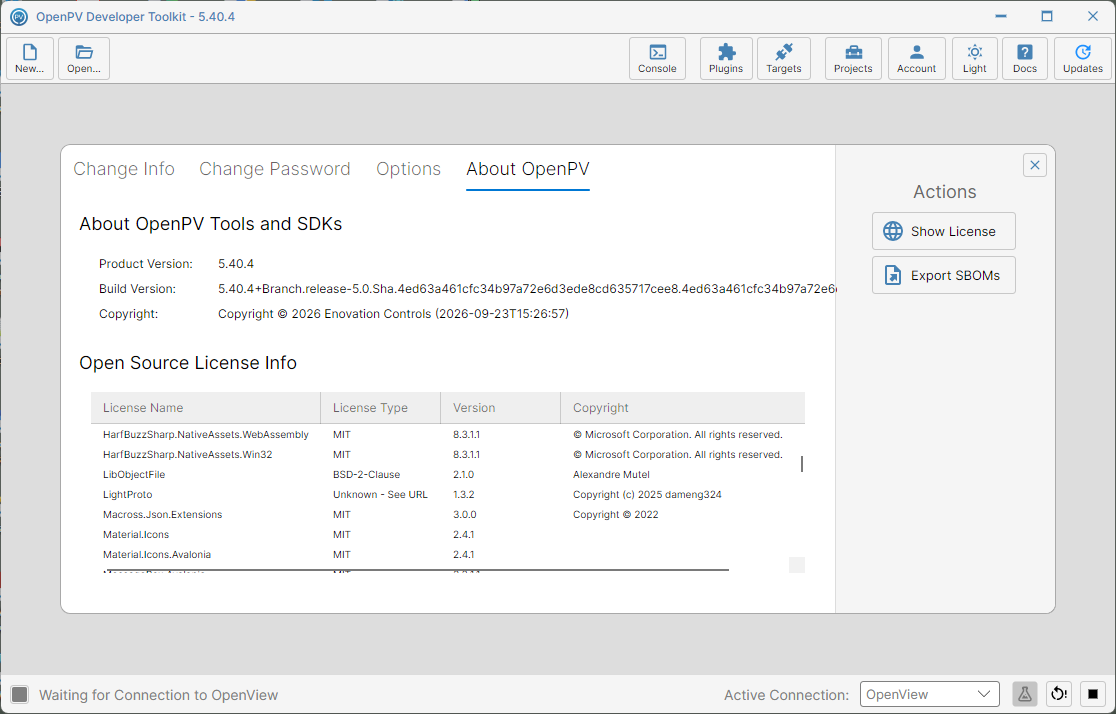
Scrolled down to NetMQ in the license list -
Click its row to select it.
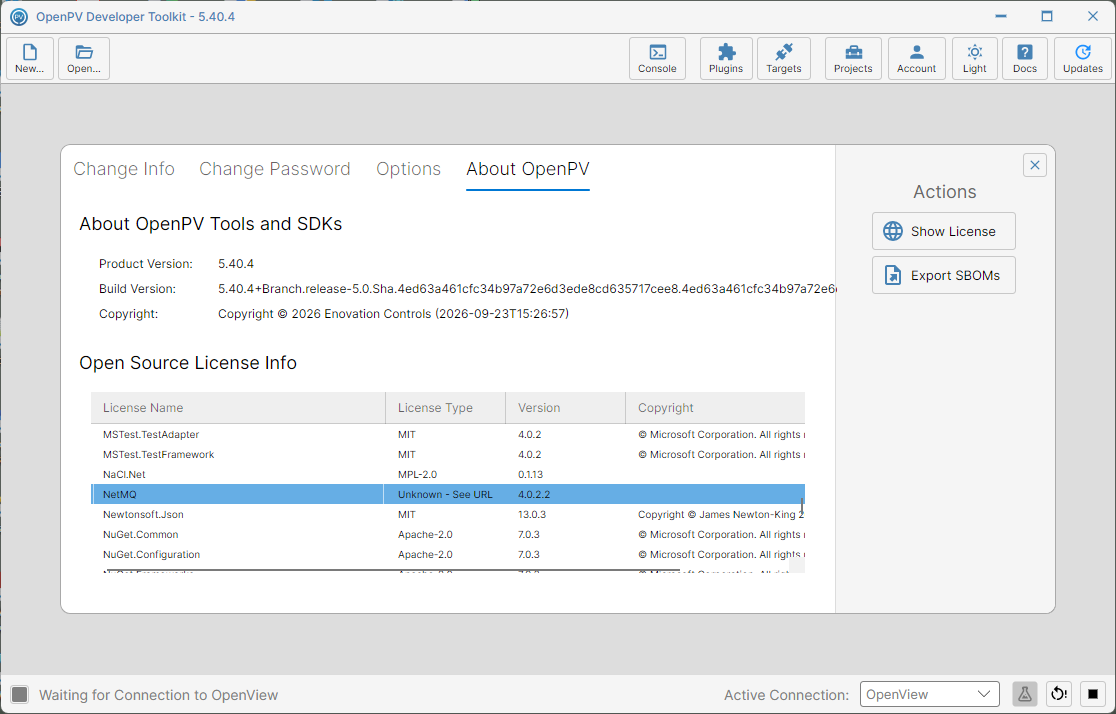
NetMQ selected in the license list -
Click Show License (highlighted).
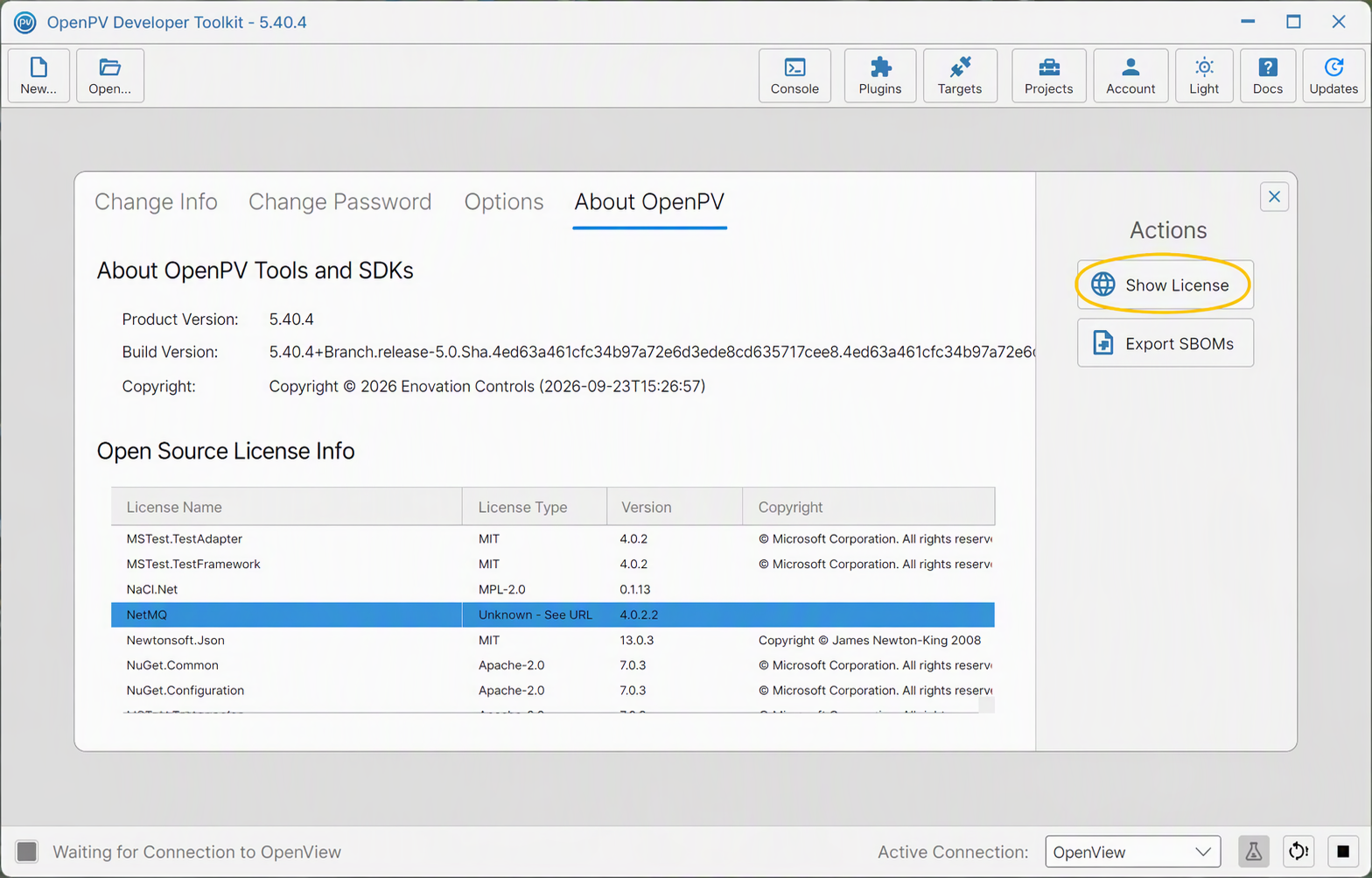
The Show License button -
Its license page opens in your default browser — for NetMQ, its
COPYING.LESSERfile (the GNU LGPL) on GitHub.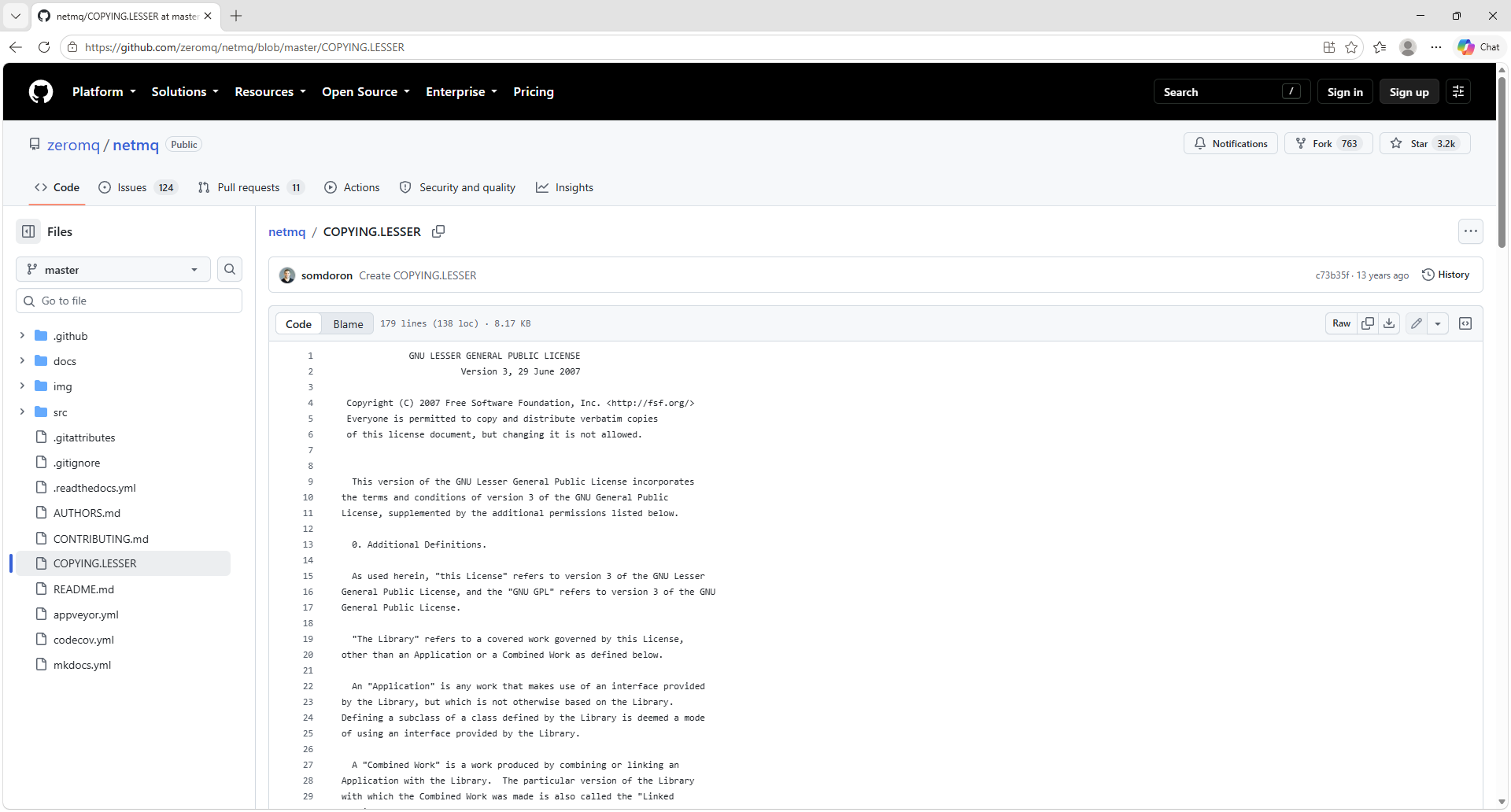
NetMQ's COPYING.LESSER license page, opened in the browser by Show License
Export SBOMs
-
Click Export SBOMs (highlighted) — no license needs to be selected first.
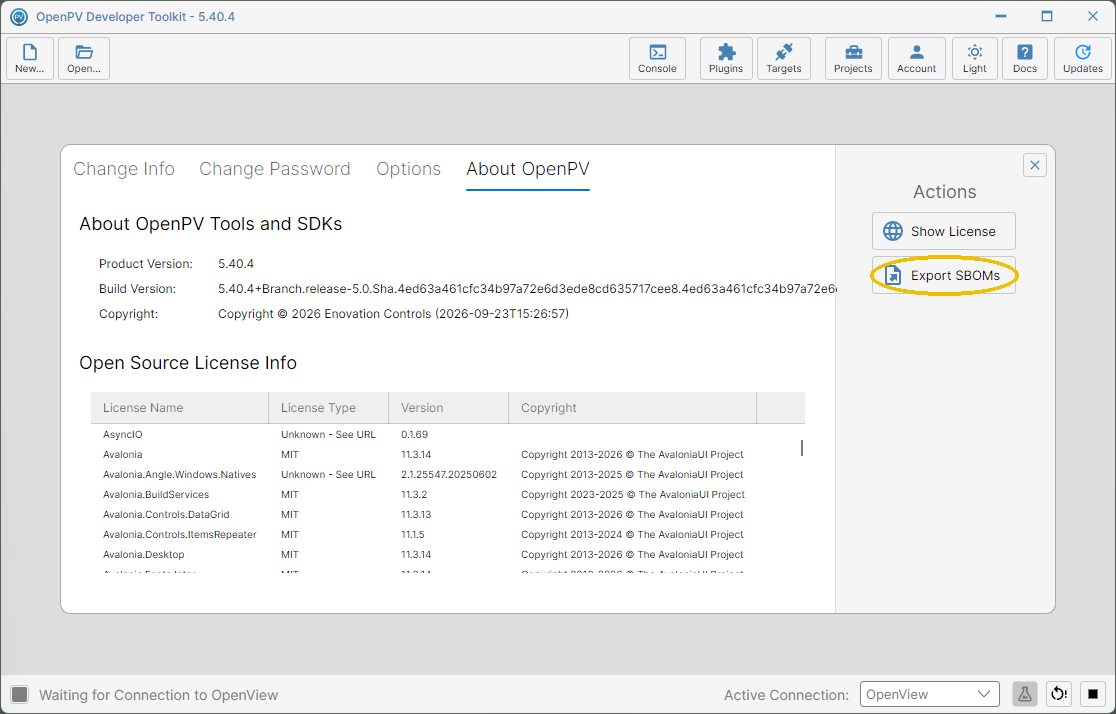
The Export SBOMs button under Actions -
A Save As dialog opens, pre-filled with a filename like
OpenPV.Sboms.<version>.tar.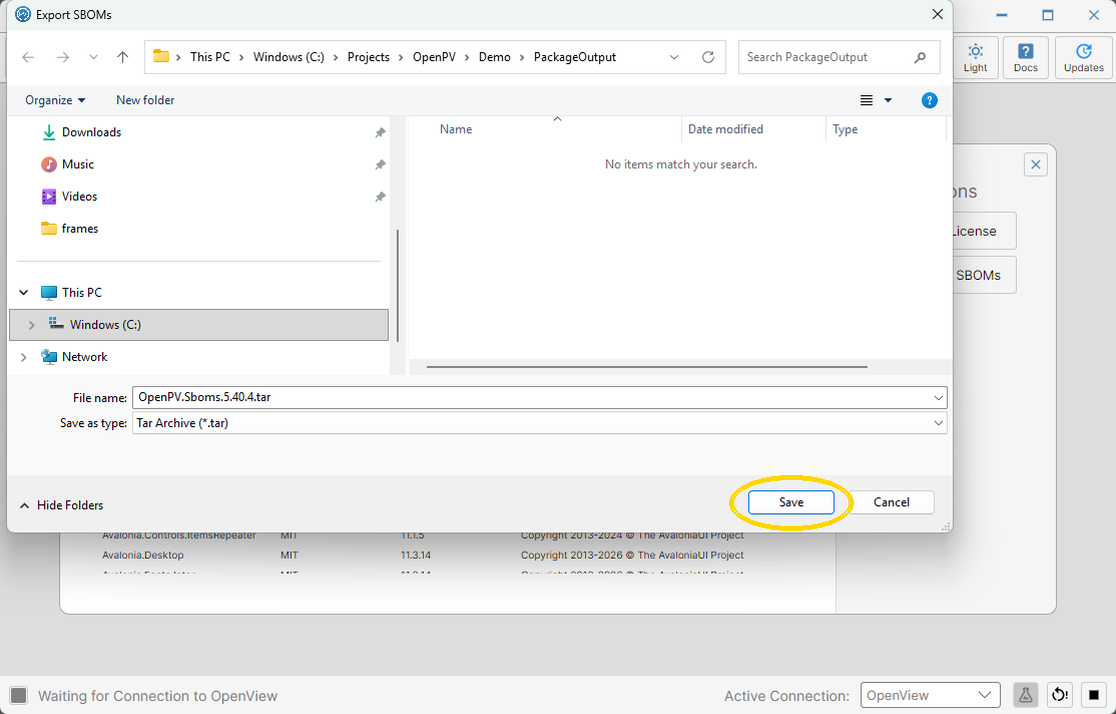
The Save dialog for the SBOM archive -
Click Save (highlighted). The app switches to Console and runs the command line tool to scan the platform support folder and generate one SPDX JSON file per package (plus the tool itself), bundling them into the
.tararchive at the location you chose.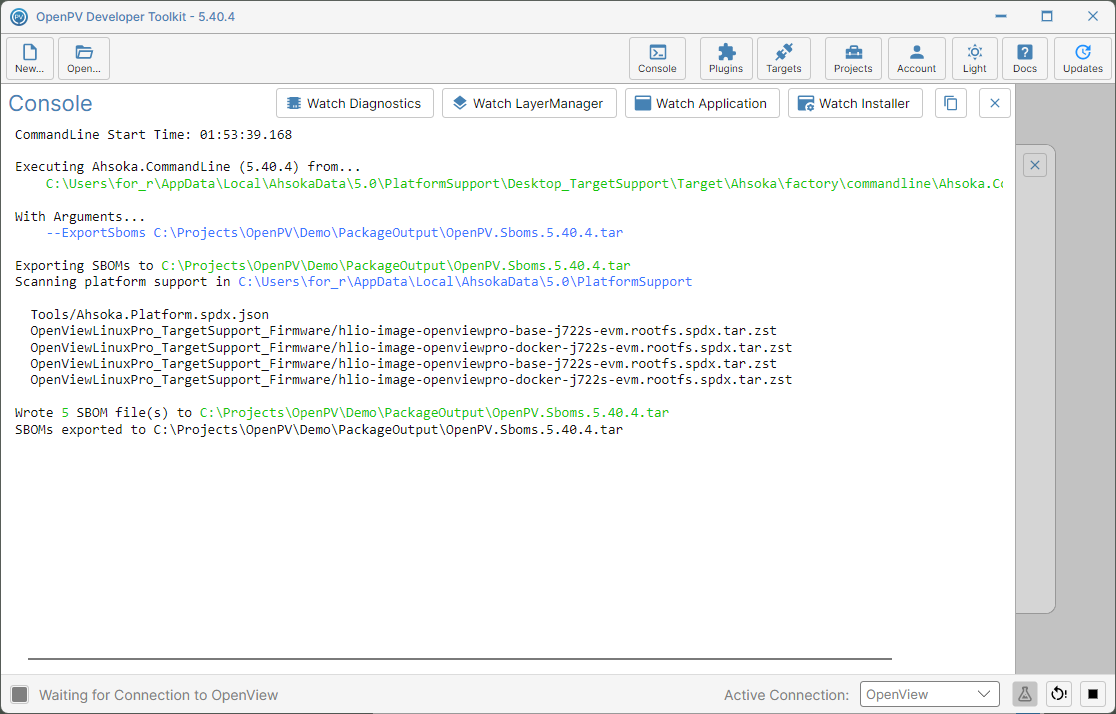
Console showing the SBOM files written and the export completing