Configuration Panel
Packaging Tools Requires: project open
Configure options for the selected project.
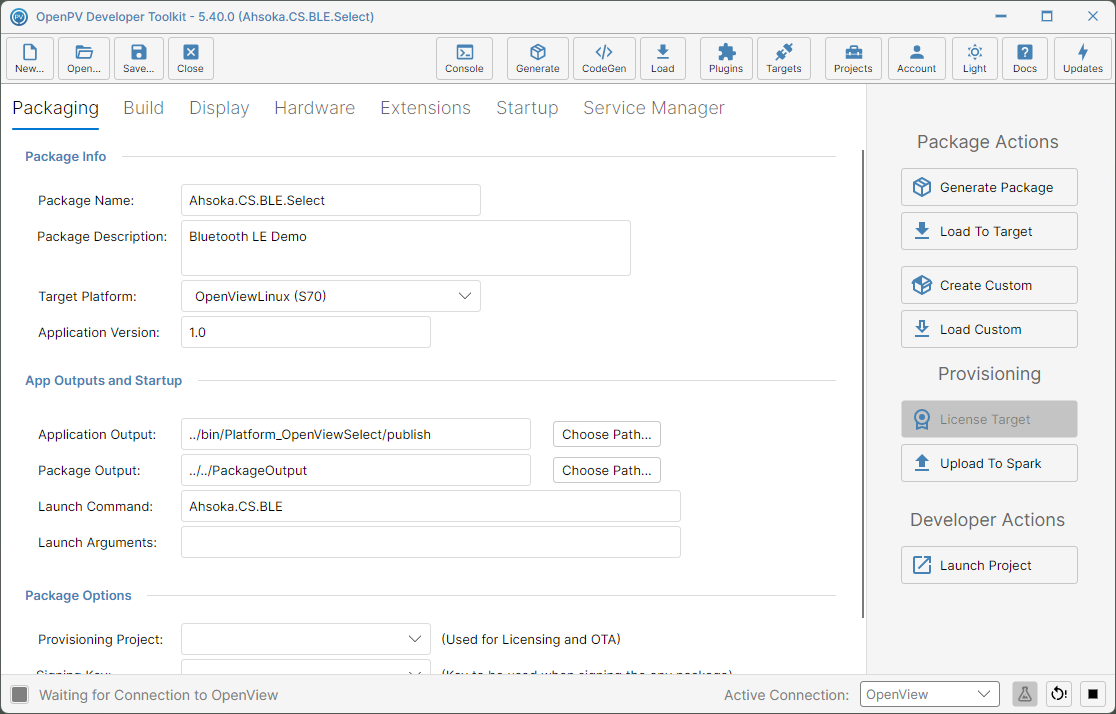
Once a project is open, a second-level toolbar appears below the main one, with its own tabs for configuring that project:
- Packaging — generate the deployable package, load it onto a target, and set up provisioning.
- Build — the project's application type, target framework, and core library version.
- Display — the screens and surfaces the app renders to.
- Hardware — connected hardware peripherals and USB startup behavior.
- Extensions — which extension packages (plugins) are included in the project.
- Startup — how and when the app releases control to the running application at startup.
- Service Manager — which background services run with the app.
Note: Display, Extensions, Startup, and Service Manager only appear for certain project platforms — for example, a platform without a screen won't show Display.