Docs
Utilities Always enabled Opens in its own window
Opens the OpenPV SDK API help in your default web browser.
For more detail about the OpenPV SDK and other available API's, click the Docs Icon or follow the link below to access the OpenPV Support Site.
Unlike every other toolbar button, Docs opens in its own separate window: your default web browser, pointed at the toolkit's built-in API help site — nothing changes inside the toolkit itself.
If the help content can't be found (for example, an install missing that content), a message appears instead: "Help file could not be found. Please download the 'OpenPV Help' Plugin."
-
On the toolbar, click Docs.
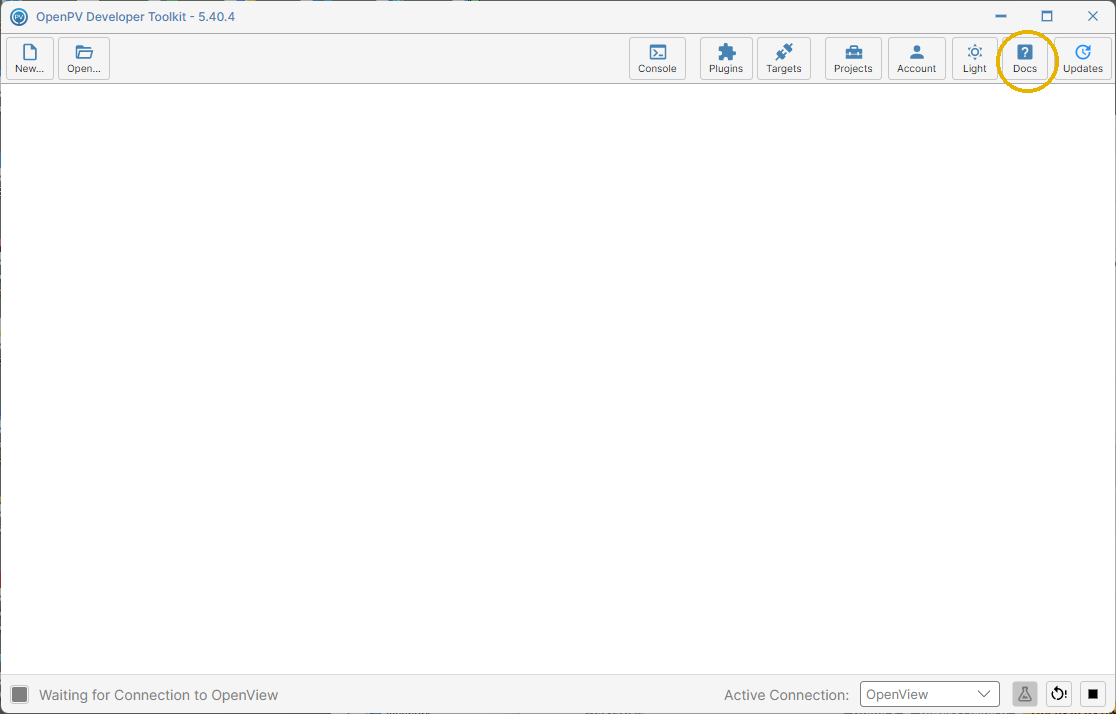
The toolkit's own window, unchanged after clicking Docs -
Your default web browser opens to the toolkit's built-in API help site.
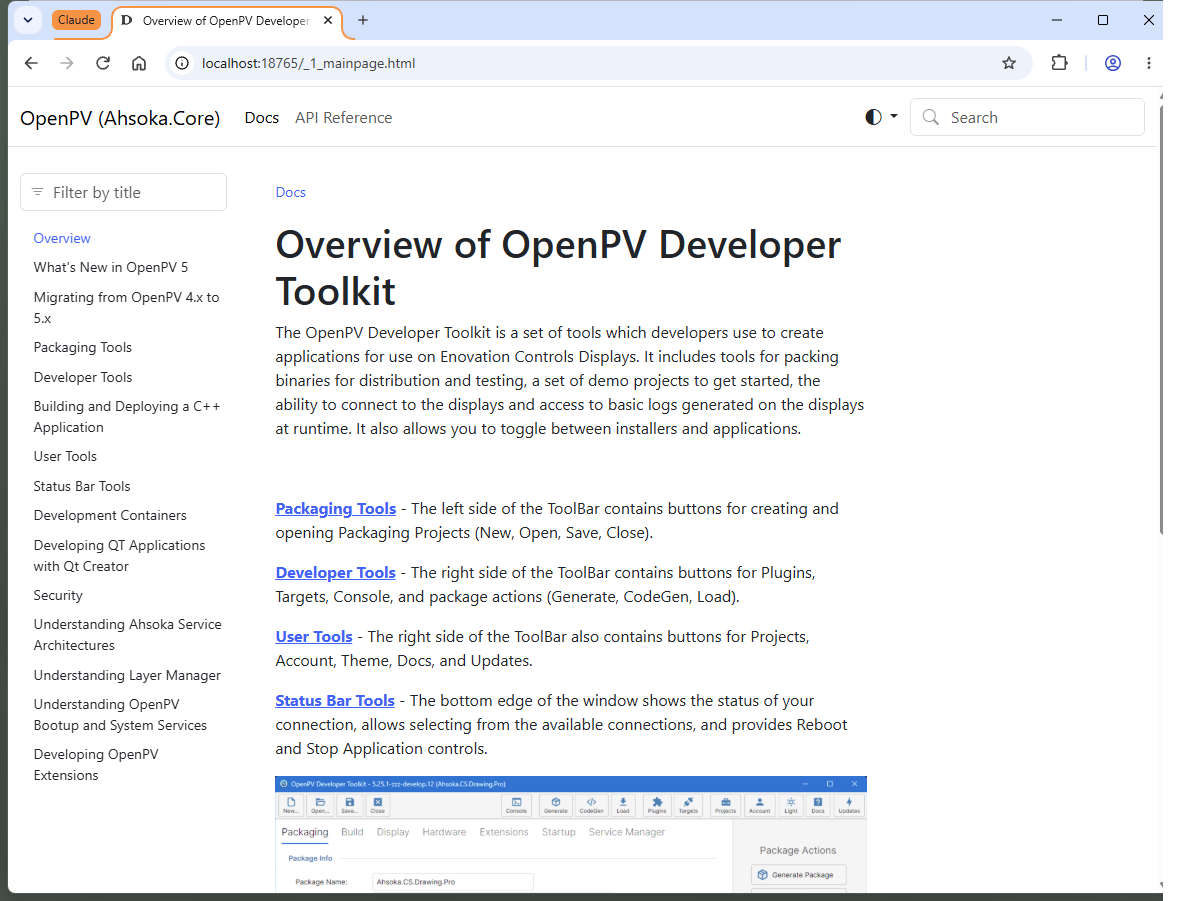
The OpenPV API help site, opened in a separate browser window
Note: Because Docs opens a separate window, the main toolkit window itself won't visibly change when you click it — look for the new browser window with the help content.