Open...
Packaging Tools Requires: signed in
Open an existing project.
Use Open... to reopen a project you've worked on before, or browse your computer for one. Follow these steps:
-
On the toolbar, click Open.... If you've opened any projects before, a Recent Packages list appears, showing each one's name, description, and file location. (The very first time — before you've opened anything — this skips straight to the file browser in step 4 instead.)
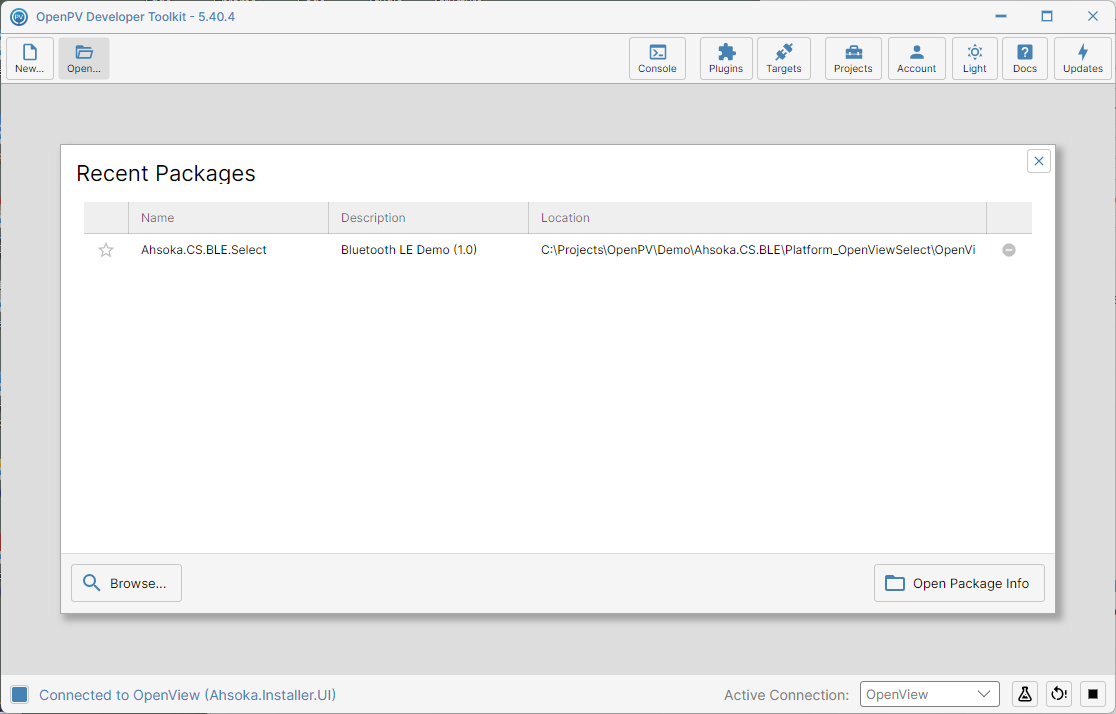
Recently opened projects -
Click a project in the list to select it — the row highlights.
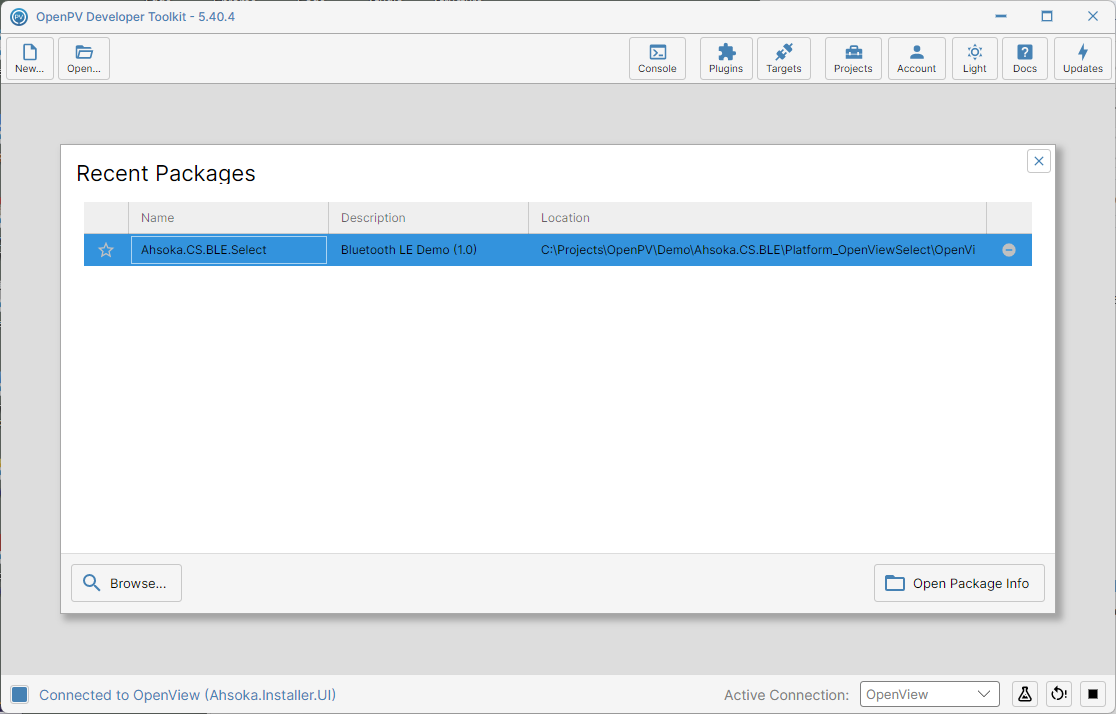
A project selected in the list -
Click Open Package Info to open that project directly. If you'd rather pick a different project from your computer instead, click Browse... and continue at the next step.
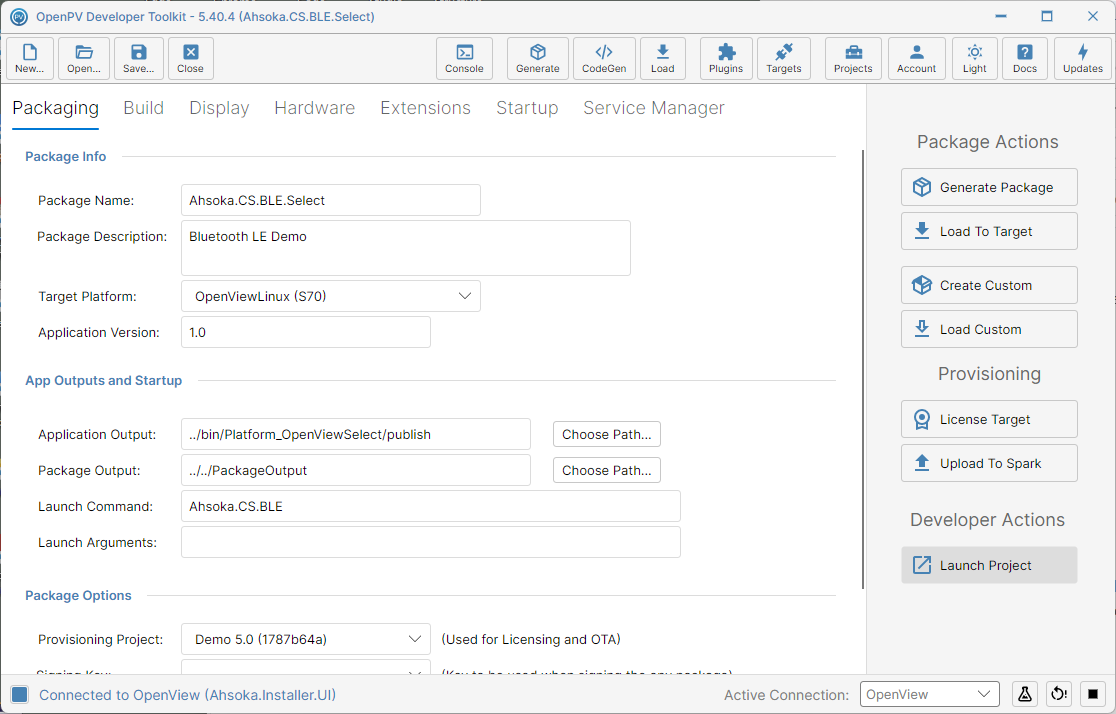
The selected project, opened directly -
Browse... opens a file browser for you to find a project by hand.
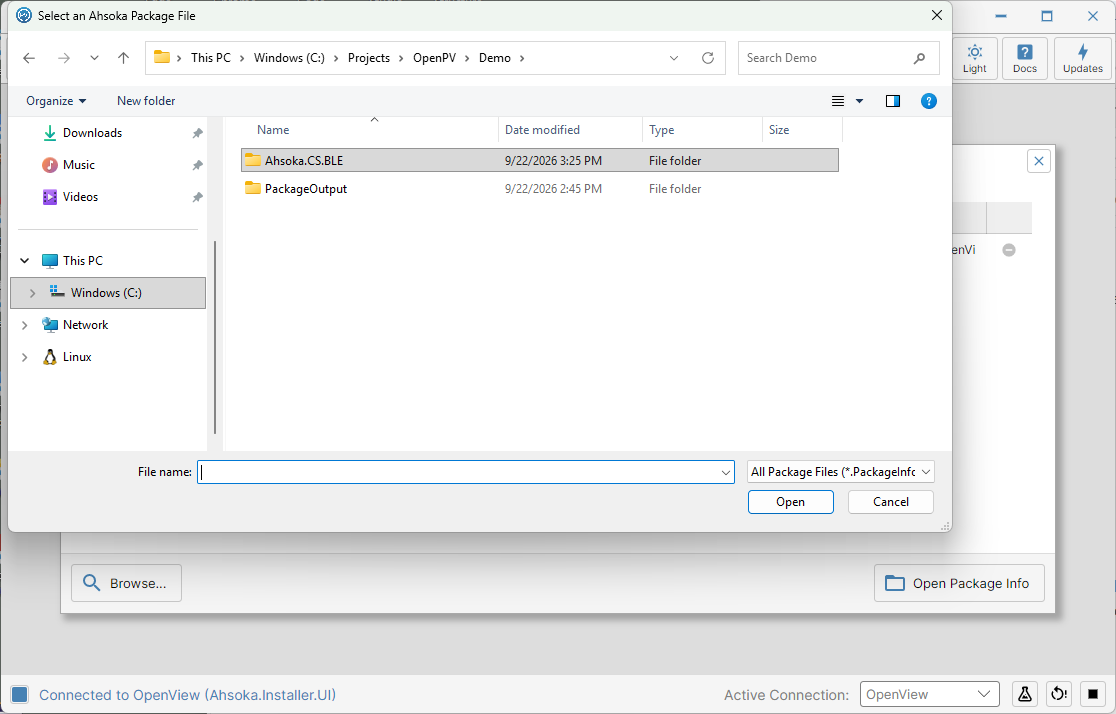
The file browser -
Navigate to your project's folder.
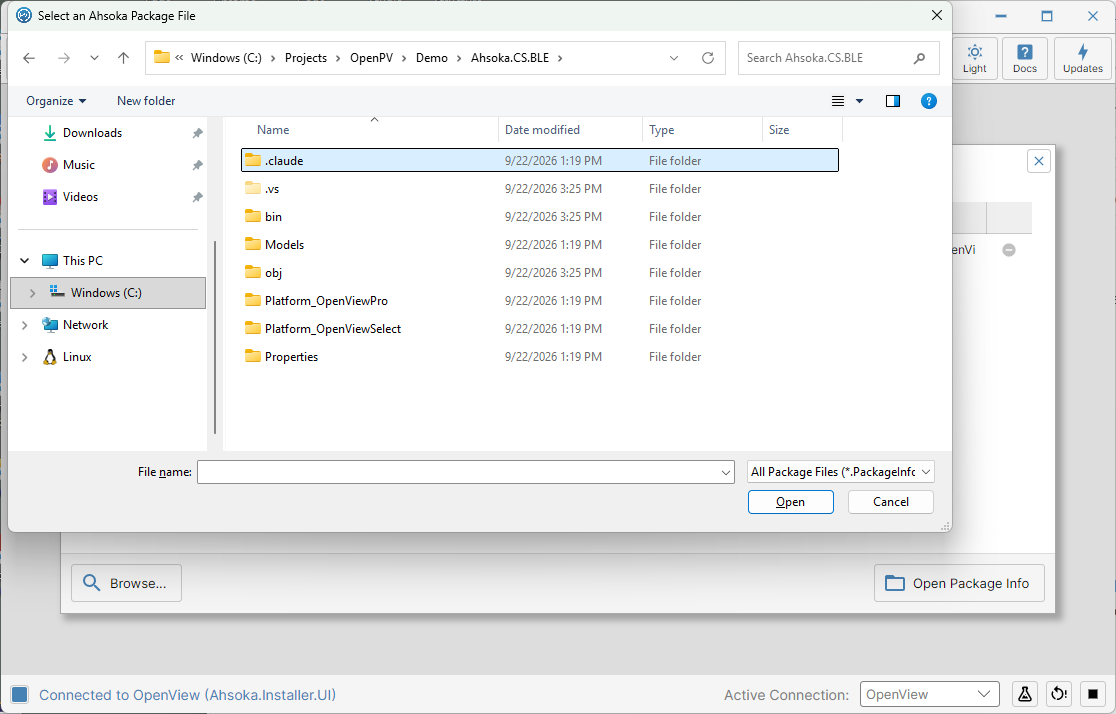
Navigating to the project folder -
A project can target more than one platform, so it may contain more than one platform folder — for example, Platform_OpenViewSelect for an S70 device, and Platform_OpenViewPro for a P100. Open the one that matches the platform you want to work with.
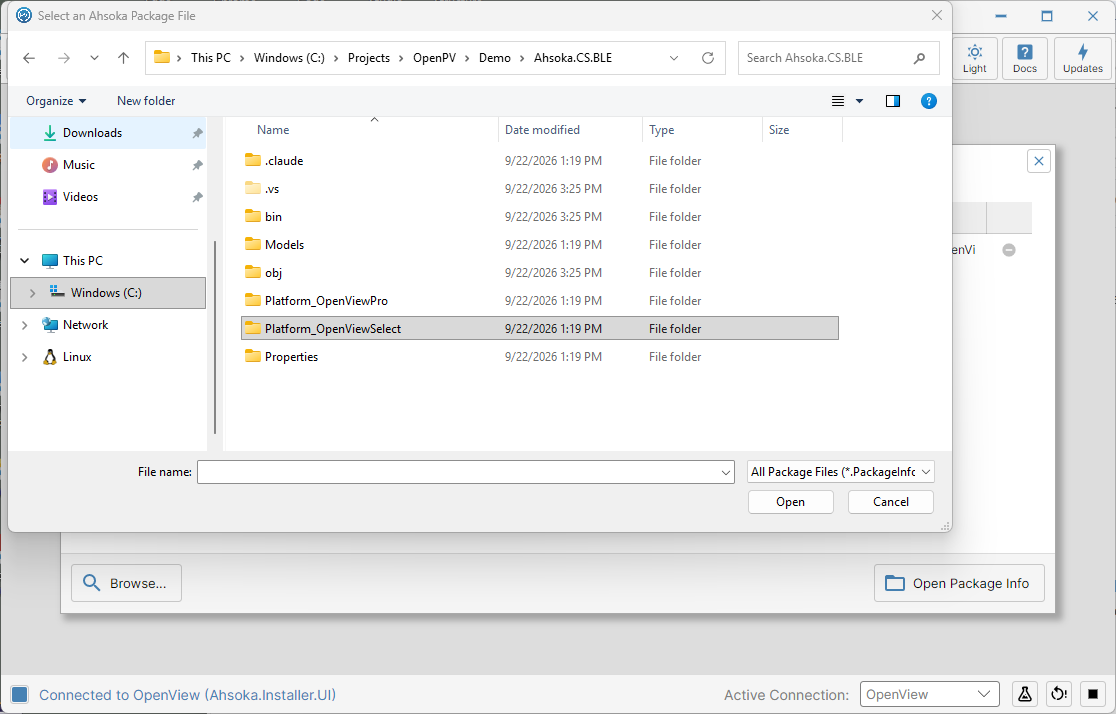
Two platform folders inside a project — one per target platform -
Inside that folder, you'll find a .PackageInfo.json file — that's what you select to open the project on that platform. Here, OpenViewSelect.PackageInfo.json.
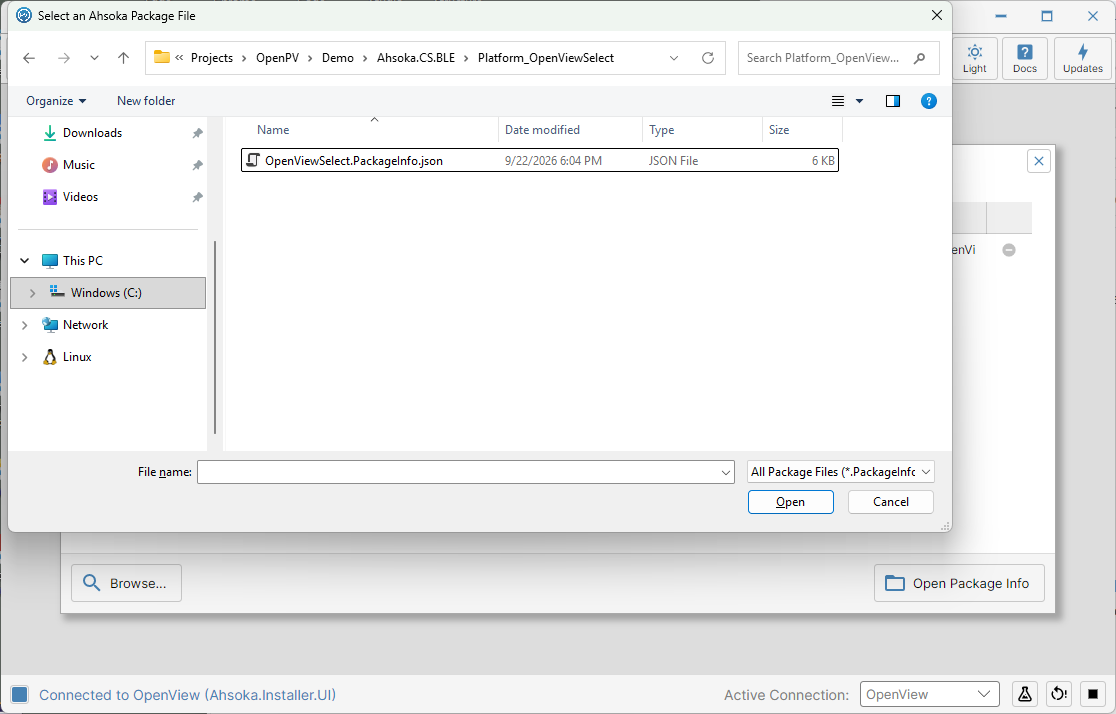
The package file inside Platform_OpenViewSelect -
Select the file, then click Open.
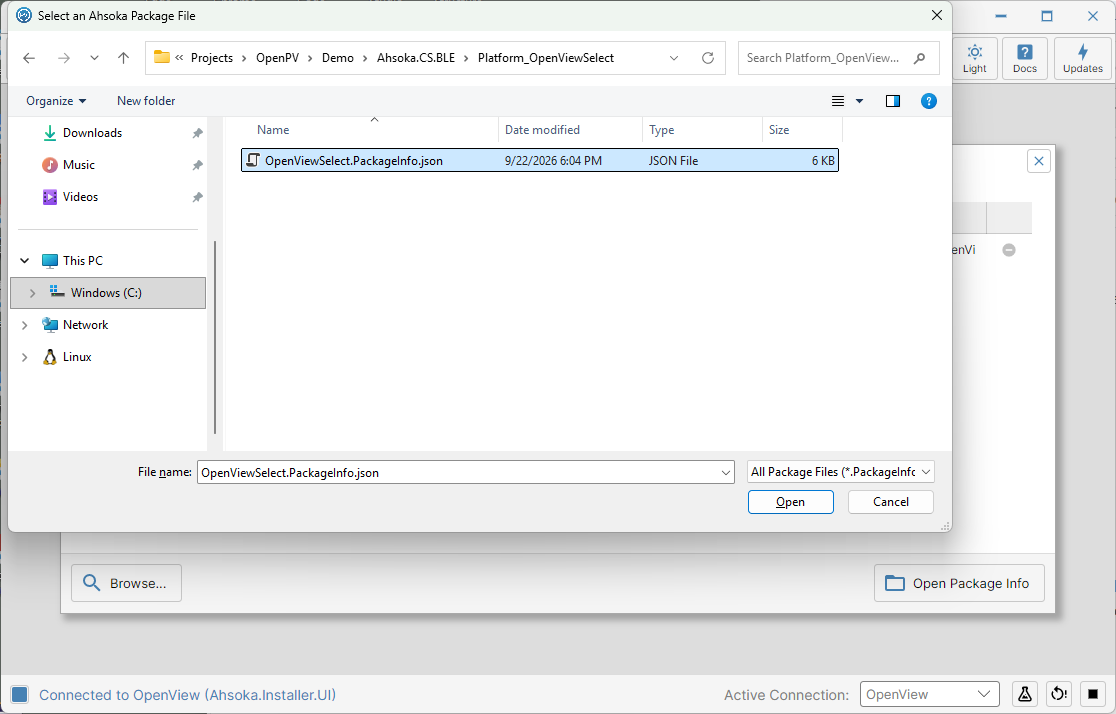
The package file selected -
The project opens, configured for the platform you chose.
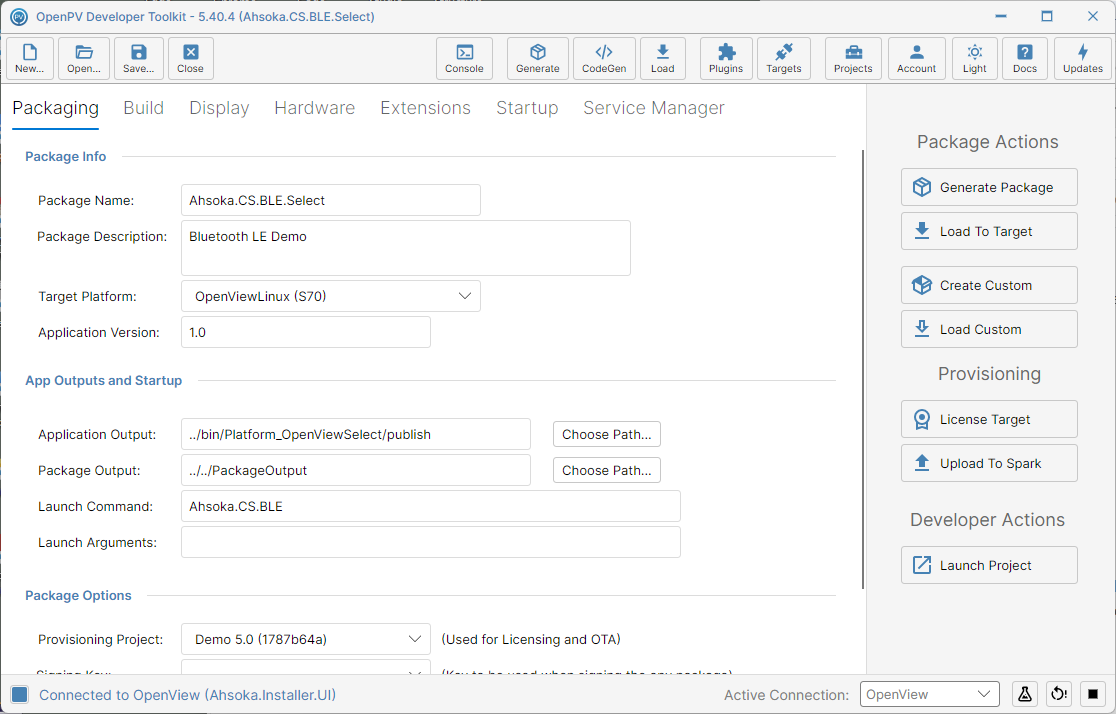
The project open on the OpenViewSelect platform